


 Sign in with Google

Create a plan for your campaigns, understand how changes might affect performance, and make the most of your budget.
Customize your YouTube media strategy
Get help with video planning, create media strategy, discover new audiences, lineups, and reach the right customers on YouTube and across the web.
Learn how Reach Planner works
Choose your audience
Find the right mix of ads
View key metrics
Explore cross-media impact
Understand your audience and find ways to reach them
Define your ideal customers and learn the most effective ways to reach your audience on YouTube.
Find the right mix of ads
Once you’ve selected your audience, Reach Planner recommends the right combination of video ads on YouTube for your objectives and budget.
View key metrics
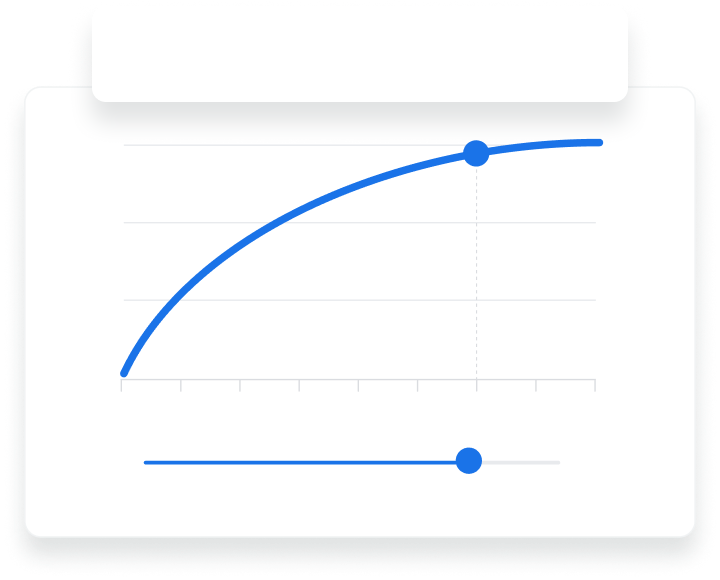
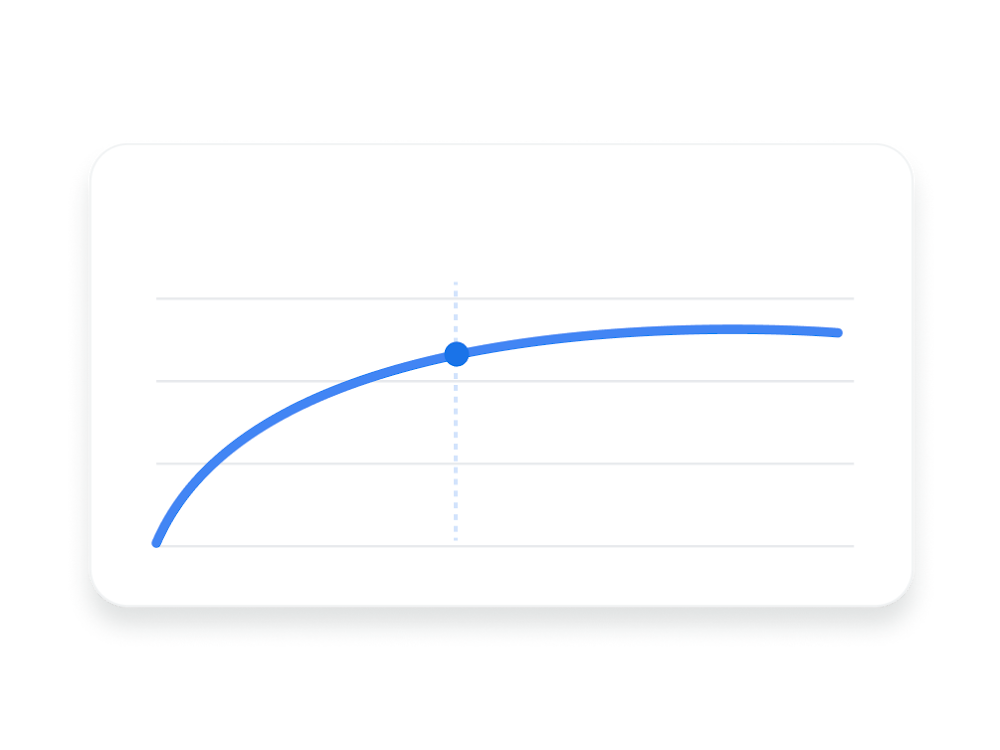
In just a few clicks you’ll see key metrics like reach, frequency, views, or conversions for your defined audience. You can also make on-the-fly adjustments to see how your reach would change.
Explore cross-media impact
Partnerships with trusted, third-party data providers in selected countries allow for cross-media, TV+YouTube scenario planning. Estimate the reach impact for different budget allocations.
Partner with a Google Ads expert to set up your first campaign
- We’ll get you up to speed on the latest platform updates
- We’ll design a media plan that makes the most of your budget
- We’ll help you launch your first campaign with hands-on guidance

Start planning your campaigns today
Follow these steps to access Reach Planner and begin forecasting your media plans.
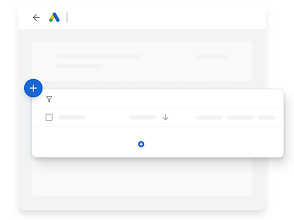
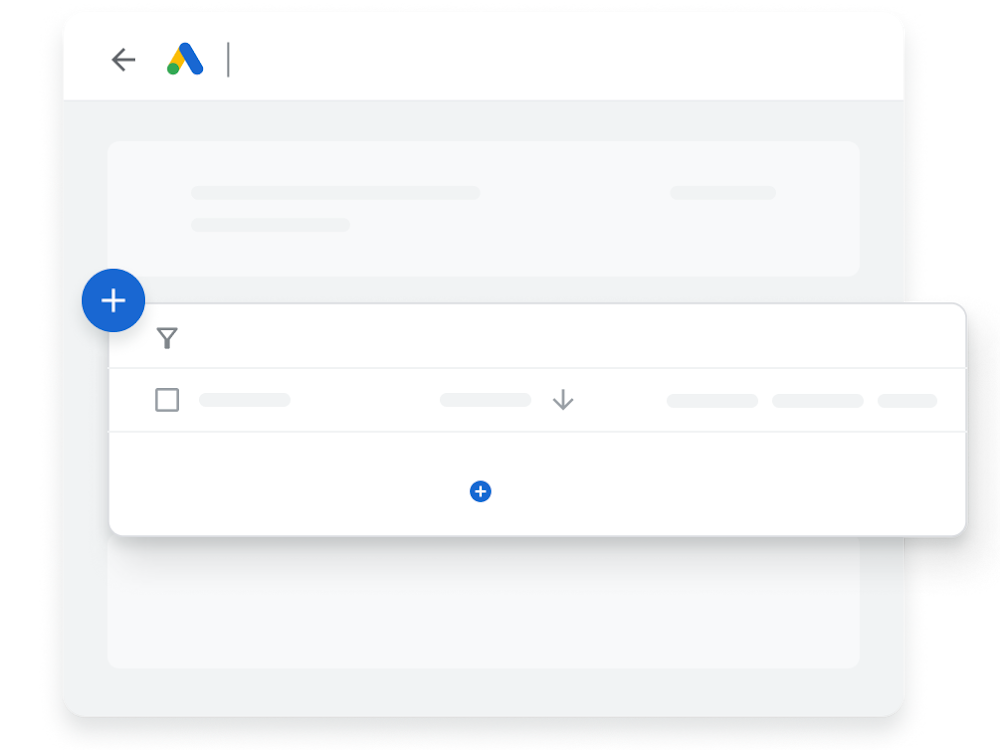
Go to Reach Planner
In your Google Ads account, Reach Planner is available under the “Tools & Settings” menu within the Planning tab.
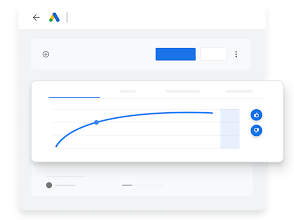
Create a new media plan
Click the plus icon “+” to create a new media plan then click save when done.
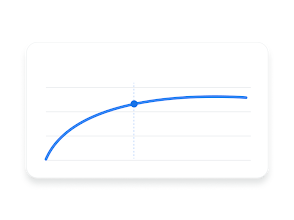
Review your media plan
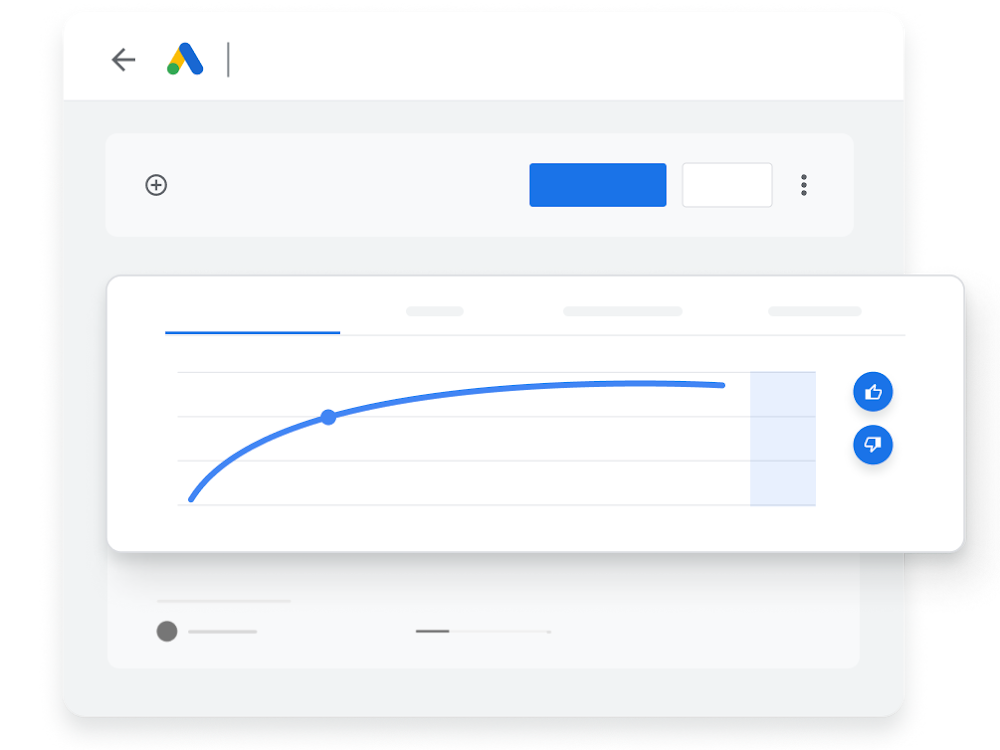
After clicking “View Forecast”, review and customize your forecast to see how your campaigns may perform.
Play animation
Pause animation
-
Go to Reach Planner
Go to Reach Planner
In your Google Ads account, Reach Planner is available under the “Tools & Settings” menu within the Planning tab.
-
Create a new media plan
Create a new media plan
Click the plus icon “+” to create a new media plan then click save when done.
-
Review your media plan
Review your media plan
After clicking “View Forecast”, review and customize your forecast to see how your campaigns may perform.
Learn more about how to use Reach Planner
-

Advance your video ads expertise with online Skillshop Courses
-

Find instructions and best practices on Reach Planner from Help Center
Tools and campaigns that can help you meet your goals
Interested in learning more about what Google Ads has to offer? Click on the cards below to explore more related campaigns and helpful tools.
-
 Learn more
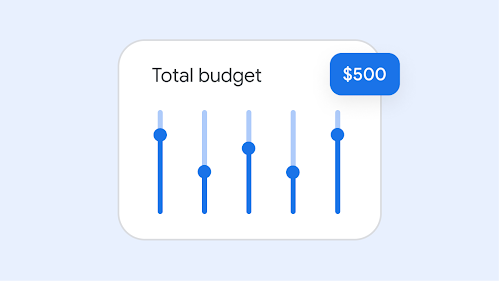
Performance Planner
-
 Learn more
Google Ads Mobile App
Stay connected to your campaigns on the go, monitor your campaigns in real-time, and take quick action to improve performance.
-
 Learn more
Insights Page
Grow your business with insights and trends that are tailored to your business.